Multiaccounting Policy
Learn more about the multiaccounting policy.
Creating multiple accounts
Learn how to create multiple accounts on haunt.gg.
Unban previously banned accounts
Learn how to unban previously banned accounts.
Difference between multiaccounting and multi-profiles
| Multiaccounting | Multi-Profiles |
|---|---|
| Multiple Haunt accounts | Multiple profiles for one Haunt account |
Multi-Profiles
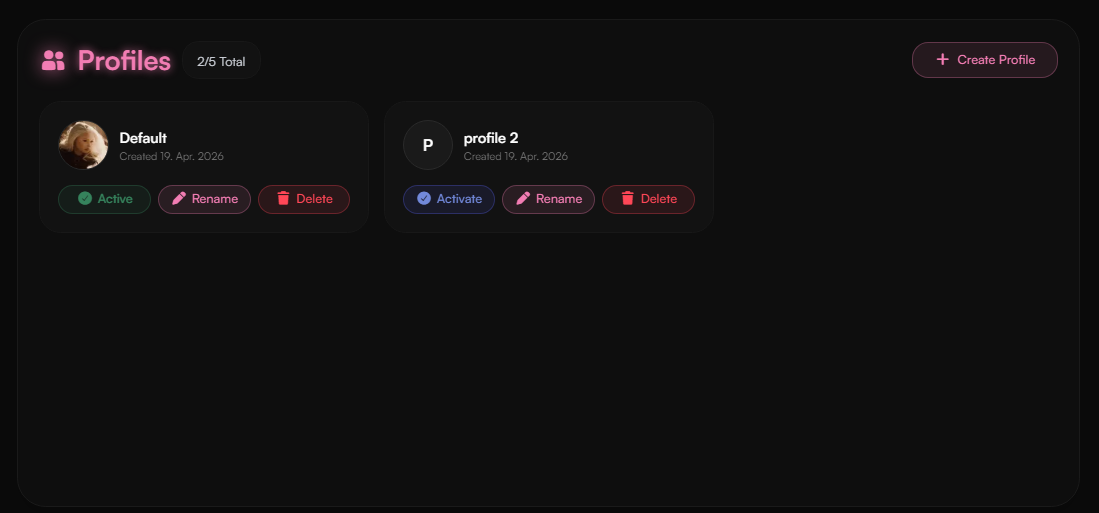
Multi-Profiles allow you to create multiple profiles under a single haunt account. Each profile can have its own customizations, links, and settings. This is useful for users who want to manage different personas or projects without needing to create separate accounts. Profile Limit:- Free:
3 - Premium:
5
Multiaccounting
Multiaccounting policy
Multiaccounting is allowed with limitations.
| Free | Premium on main account |
|---|---|
| Create up to 3 accounts | Create up to 5 accounts |
- The profiles must be active, like having customizations, links, etc.
- We reserve the right to ban accounts that do not meet the requirements.
Creating multiple accounts
Multiple accounts can be easily created by registering with a different email address.Our system will automatically detect if you have multiple accounts.
Multi-Account Manager
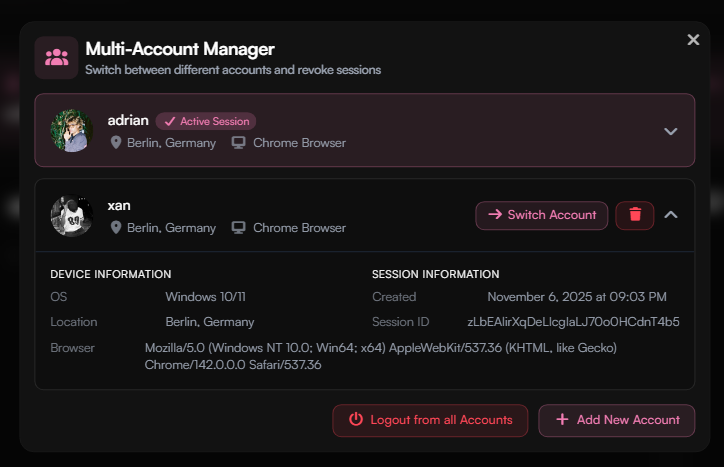
The Multi-Account Manager allows you to manage multiple Haunt accounts using a single browser.Open the Multi-Account Manager
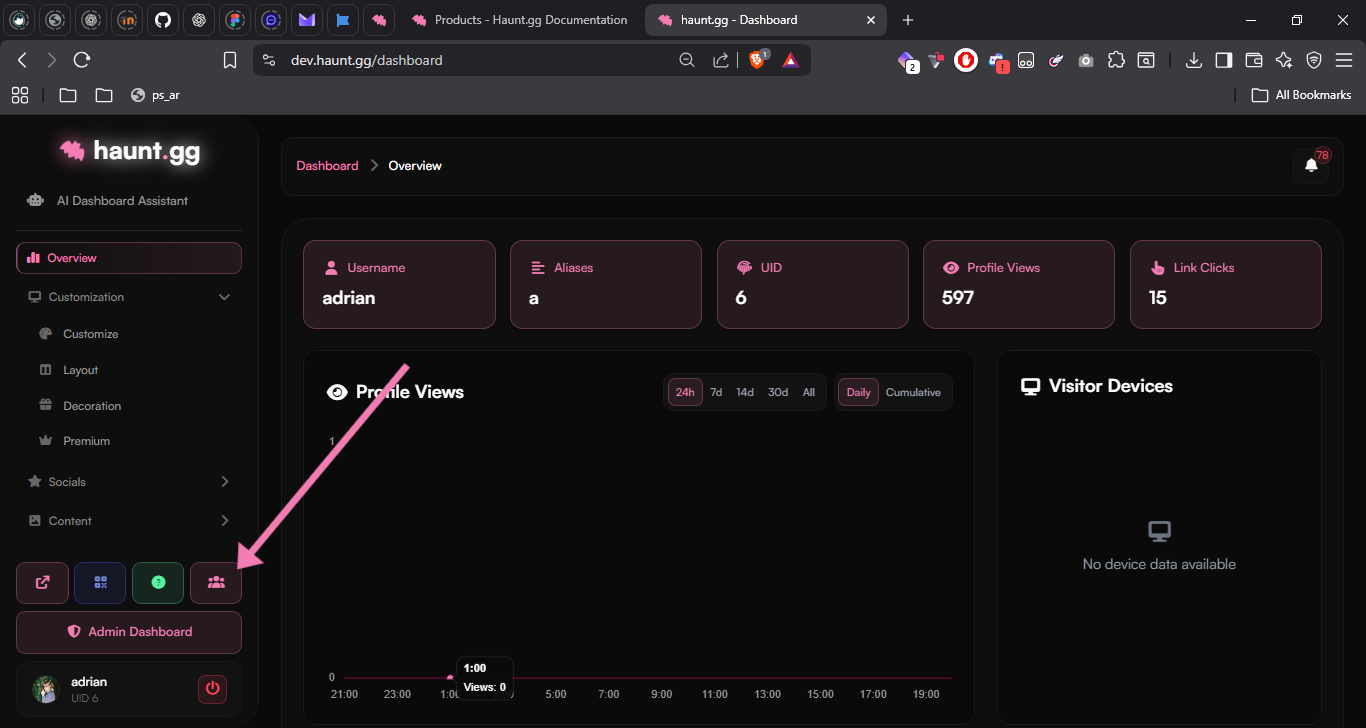
Open the dashboard and click the Multi-Account Manager button.