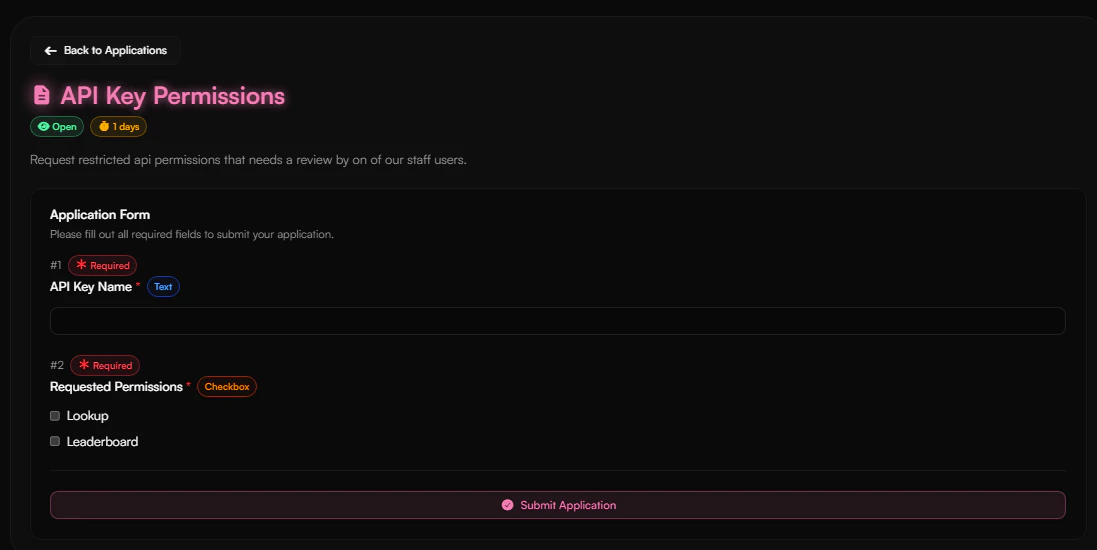
Haunt.gg uses two types of API keys depending on the endpoint you want to access.Documentation Index
Fetch the complete documentation index at: https://help.haunt.gg/llms.txt
Use this file to discover all available pages before exploring further.
Key Types
Account API Key
Your Account API key is used for all endpoints except image uploads. It can be passed in two ways:- Query parameter:
?key=YOUR_ACCOUNT_API_KEY - Bearer token:
Authorization: Bearer YOUR_ACCOUNT_API_KEY
imagehost.galleryimagehost.folderslookupleaderboard
ImageHost API Key
Your ImageHost API key is used exclusively for the/imagehost/upload endpoint. It is passed as a key field in the multipart form data of the upload request.
Accessing Your API Keys
Open your account setting
Visit your account settings in your dashboard and scroll to API Keys.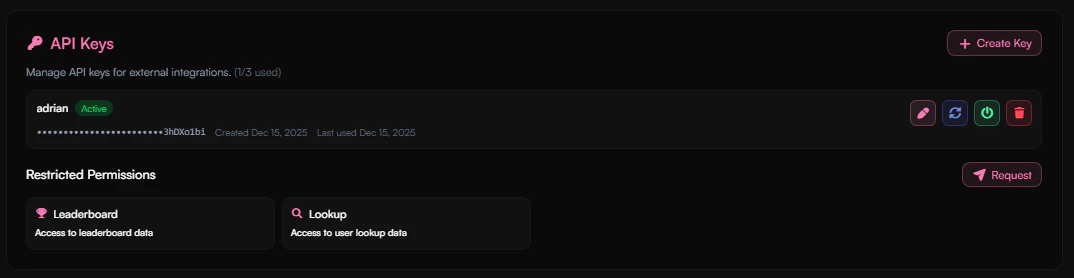
Restricted Permissions
Restricted permissions are:lookupleaderboard