# About Me
Learn how to customize your about me section on your profile.
## General Information
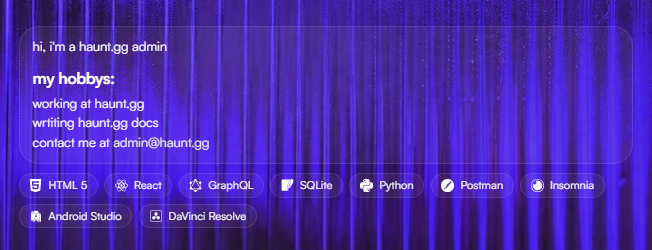
The **About Me** section on your profile is a great place to share more about yourself with visitors. You can use this section to talk about your interests, hobbies, or anything else you'd like to share.
## Editing Your About Me
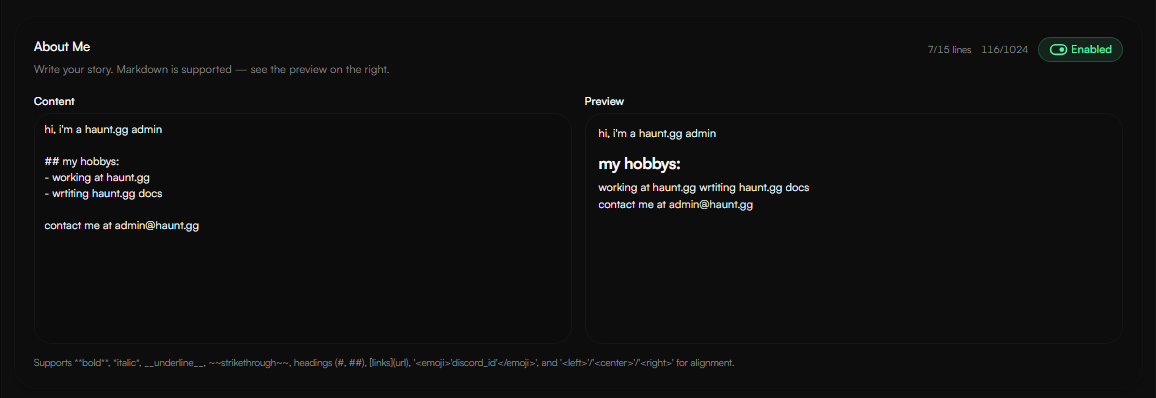
### Content
Profile → About Me
Here you can customize the **content** of your **About Me** section. The About Me section also allows the following markdown:
- `**bold**`
- `*italic*`
- `__underline__`
- `~~strikethrough~~`
- `headings (#, ##)`
- `[links](url)`
- `'discord_id'` (Discord custom emoji)
- ``/``/`` for alignment.
### Customization
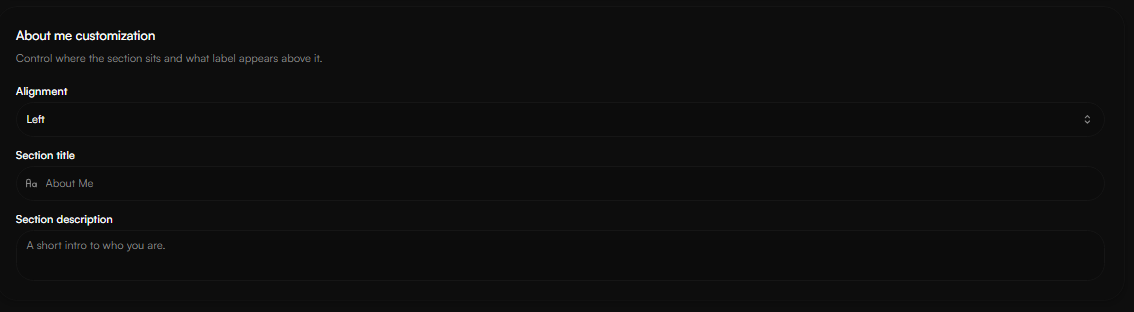
Profile → About Me
Here you can customize the About Me alignment, title and description.
### Styling
Profile → About Me
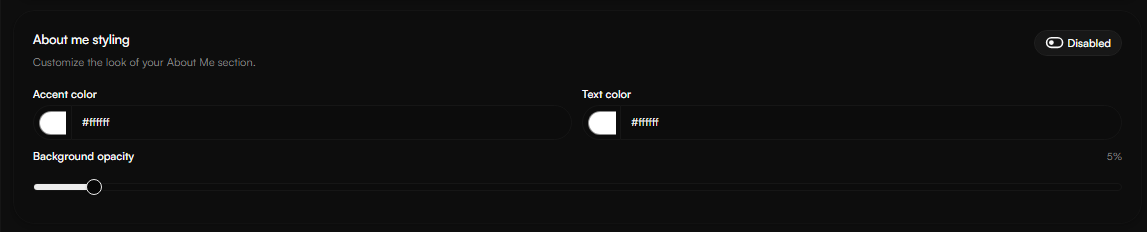
Here you can customize the **text color**, **accent color**, and **border opacity**.
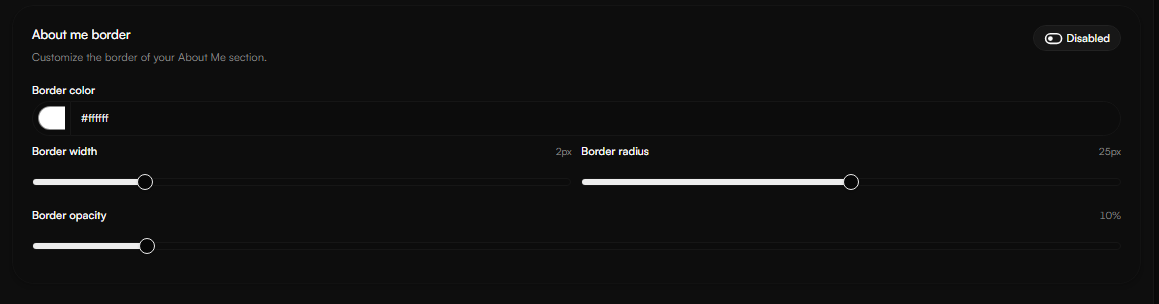
### Border
Profile → About Me
Here you can customize the **border color** and other **border settings**.